Studio render on a bonnet
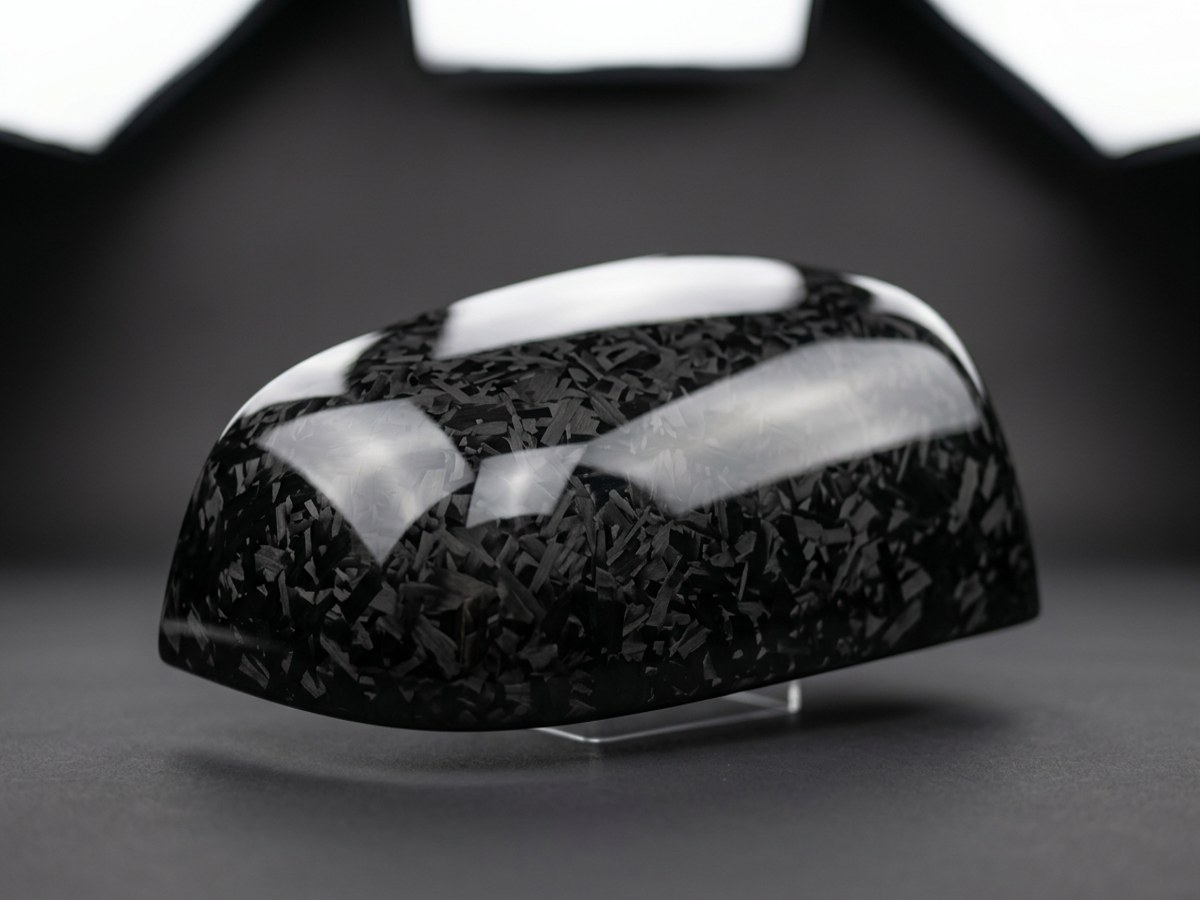
Drag to turn the part. Live preview using this pack's maps — your Fusion render will differ slightly.
Fusion settings
DownloadForged Carbon – Fusion setup (Advanced / Standard Surface)
Dark finish, shallow surface detail (matches body panel preview v3).
1. Press **A** (Appearance) → In This Design → right-click an appearance → **Duplicate**, rename `Forged Carbon`.
2. Right-click → **Edit** → **Advanced...**
| Slot | File / Value |
|---|---|
| Base > Color | forged_carbon_basecolor.png |
| Base > Weight | 0.22 (darkens the flakes toward black) |
| Base > Metalness | 0 (or forged_carbon_metallic.png) |
| Specular > Weight | 0.2 (cuts studio reflections) |
| Specular > Roughness | forged_carbon_roughness.png |
| Coat > Weight | 0.5, IOR 1.5, Roughness 0.03 (raise weight toward 1.0 for more shine) |
| Geometry > Normal | forged_carbon_normal_gl.png, Normal map, Depth 0.12 |
3. Texture transforms: tick **Link texture transforms**, sample size **100 × 100 mm**, Repeat on.
4. Right-click → **Add to** → My Materials to save it into your library (.adsklib).
Inventor settings
DownloadForged Carbon – Inventor setup (Generic appearance)
Dark finish, shallow surface detail (matches body panel preview v3).
1. Appearance browser → Document Appearances → **Create New Appearance** → Generic, name `Forged Carbon`.
| Section | File / Value |
|---|---|
| Generic > Color | Image: forged_carbon_basecolor.png, Image Fade 22 over color RGB 10,10,10 (near-black) |
| Generic > Glossiness | 90 (or Image: forged_carbon_glossiness.png) |
| Generic > Highlights | Non-metallic |
| Reflectivity | Direct 10 / Oblique 50 (lower = fewer studio reflections) |
| Bump | forged_carbon_normal_gl.png, Normal map, Amount 0.12 |
| Bump (older versions) | forged_carbon_height.png, Amount 0.04 |
2. Each image → Transforms → Sample Size **100 mm**, Tile, **Link texture transforms** on.
3. Right-click → **Add to** → your user library (.adsklib) to reuse.