Studio render on a bonnet
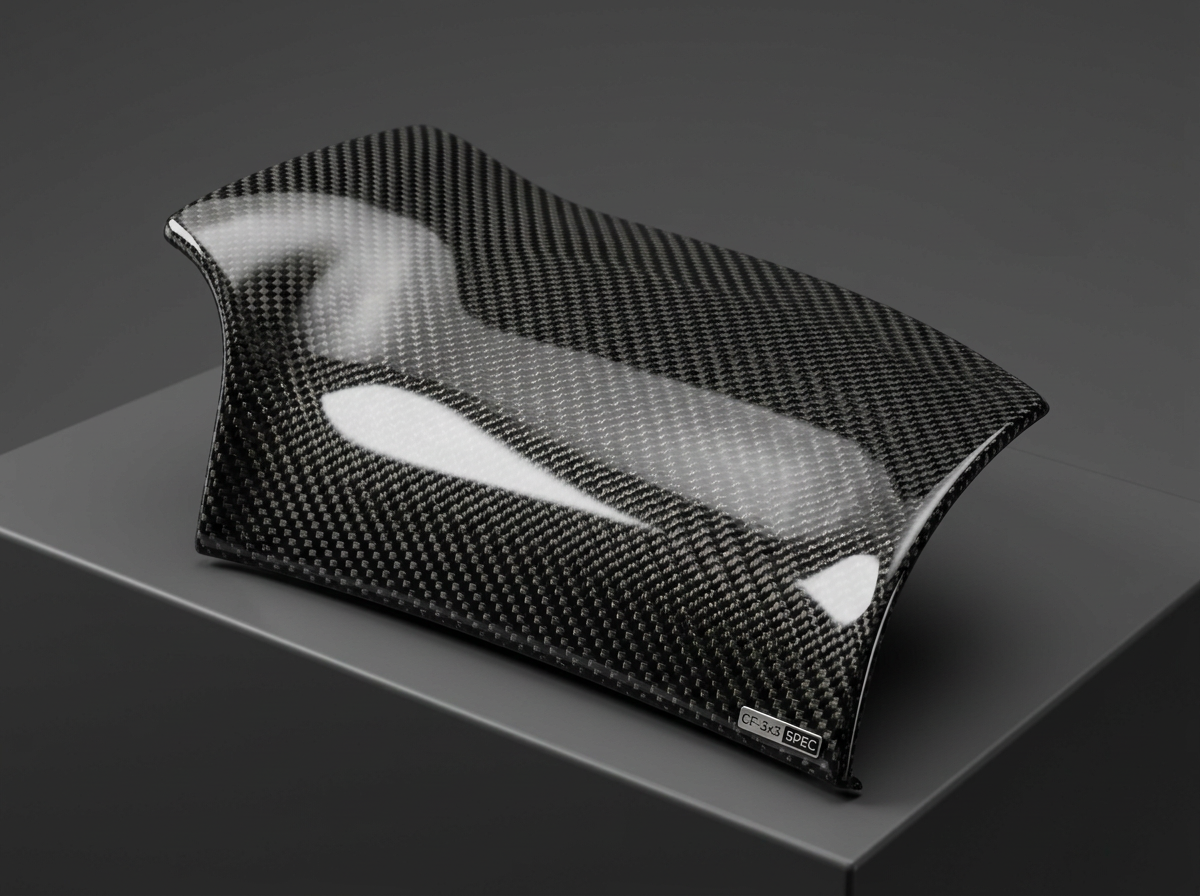
Drag to turn the part. Live preview using this pack's maps — your Fusion render will differ slightly.
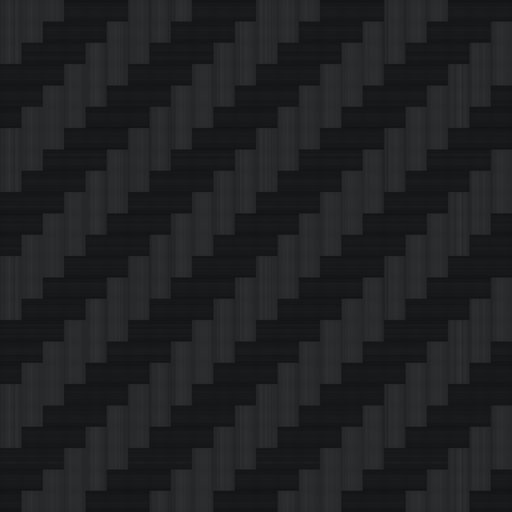
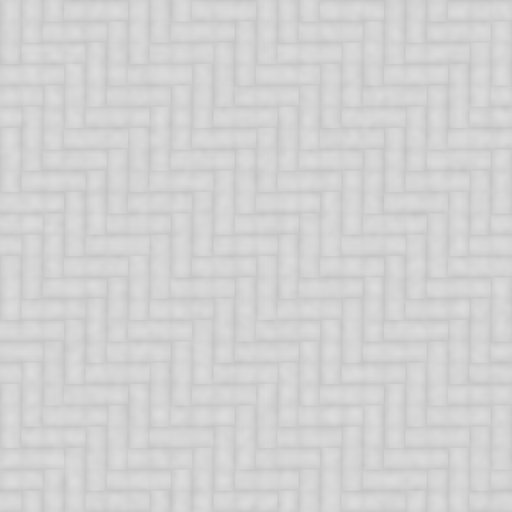
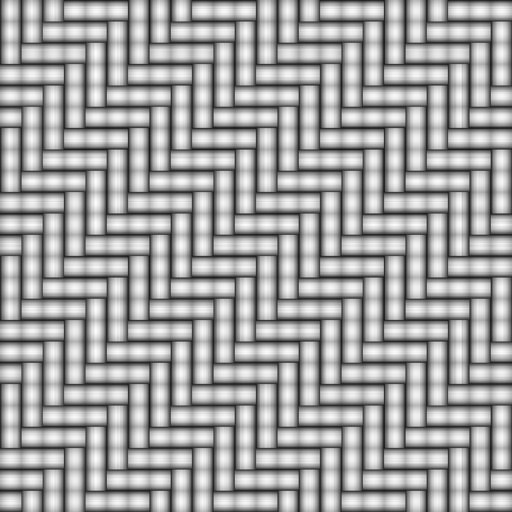
Maps
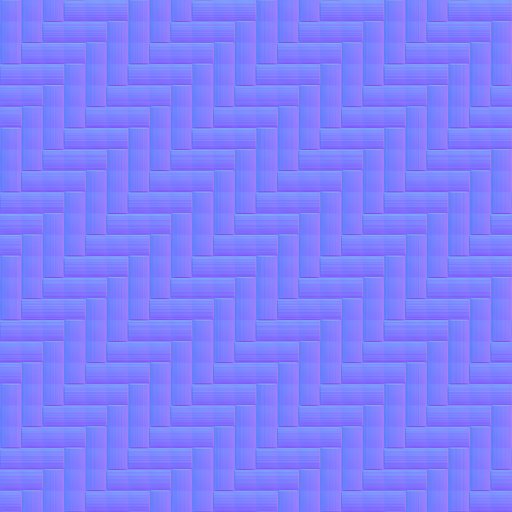
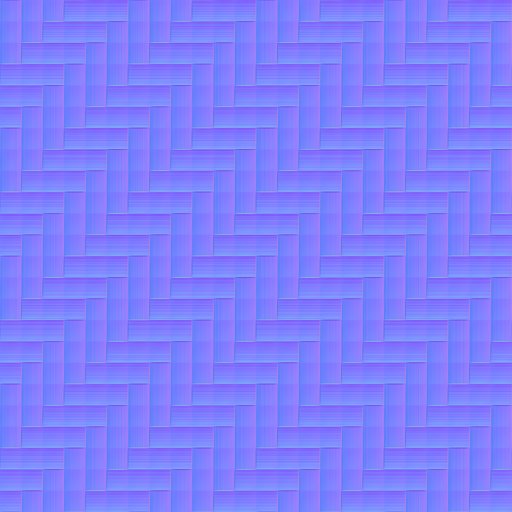
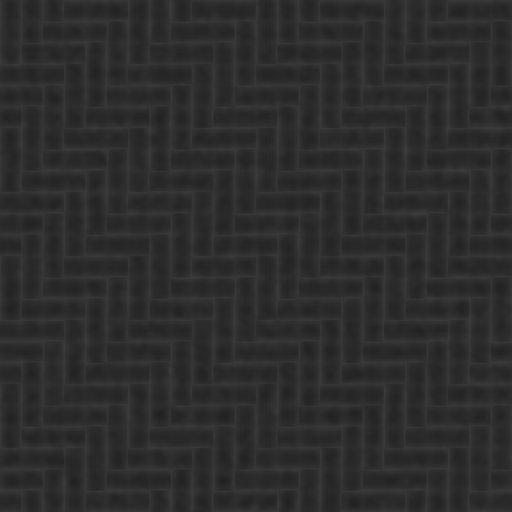
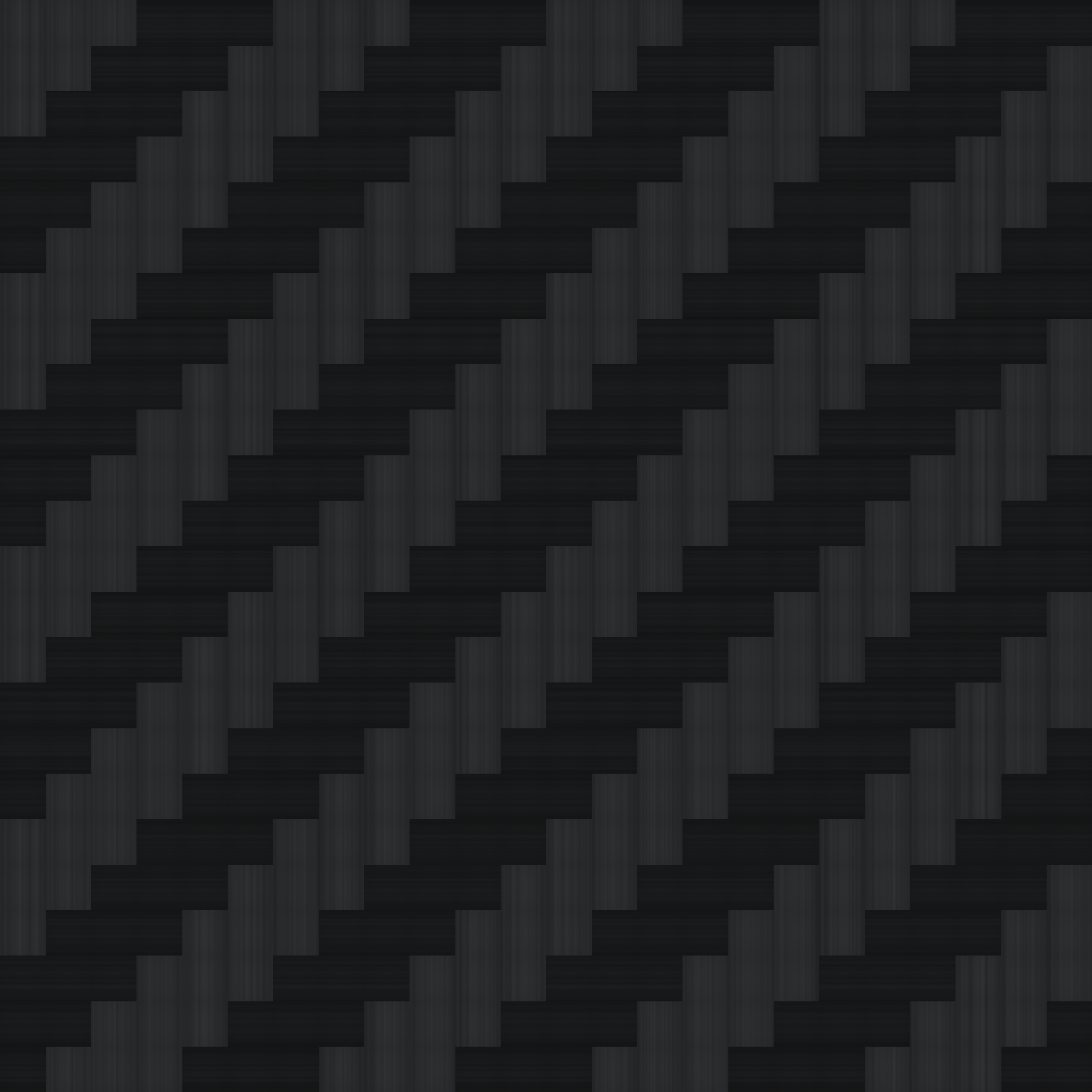
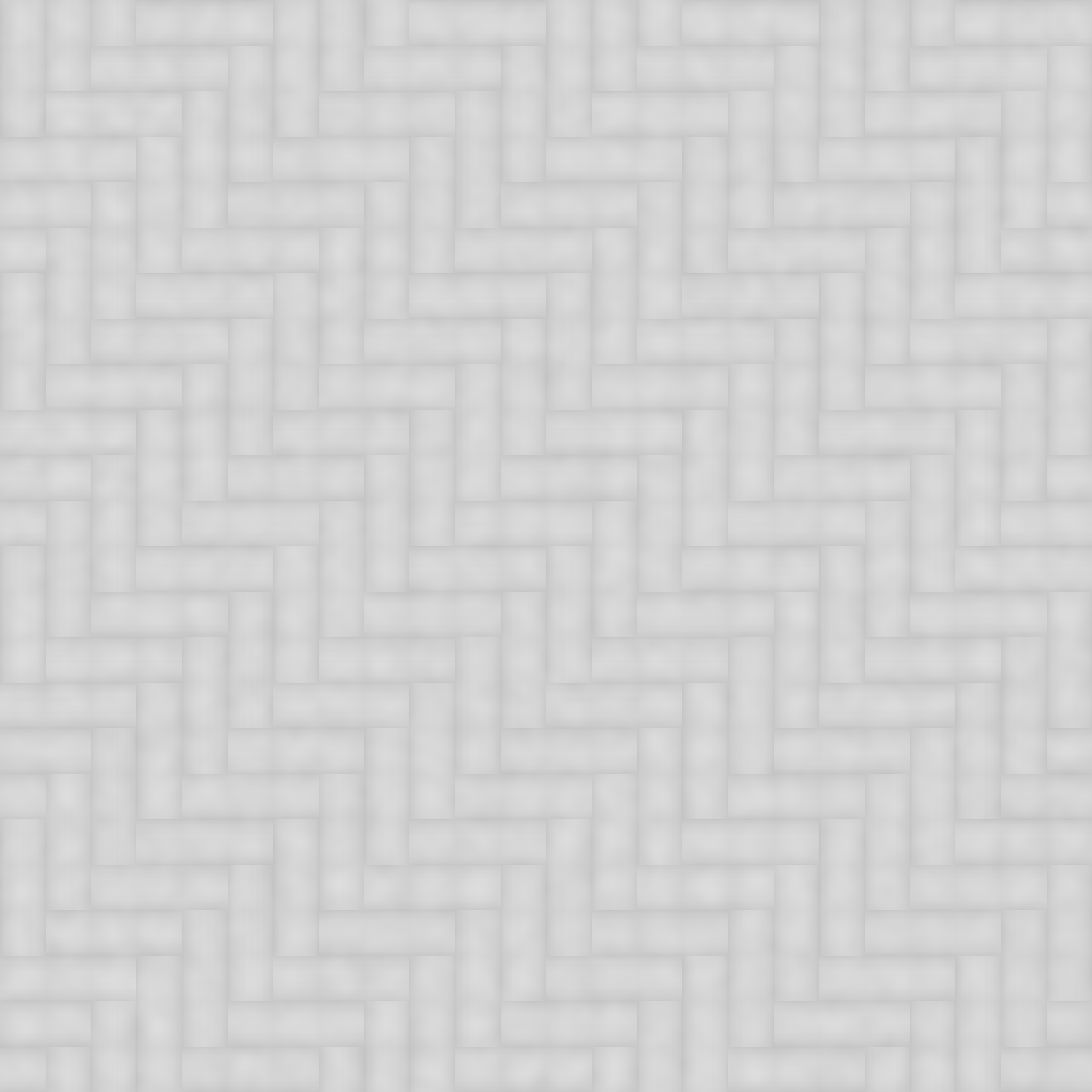
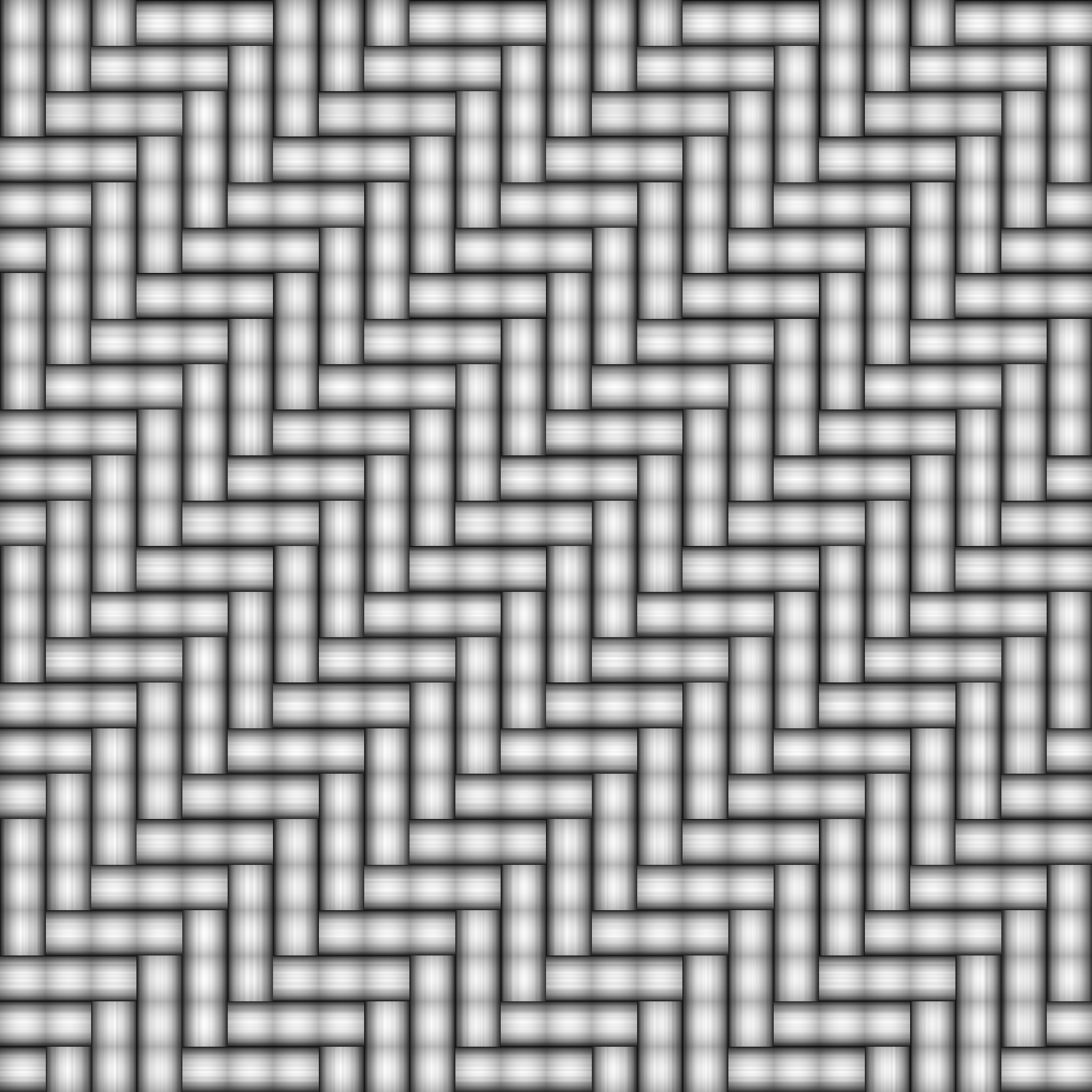
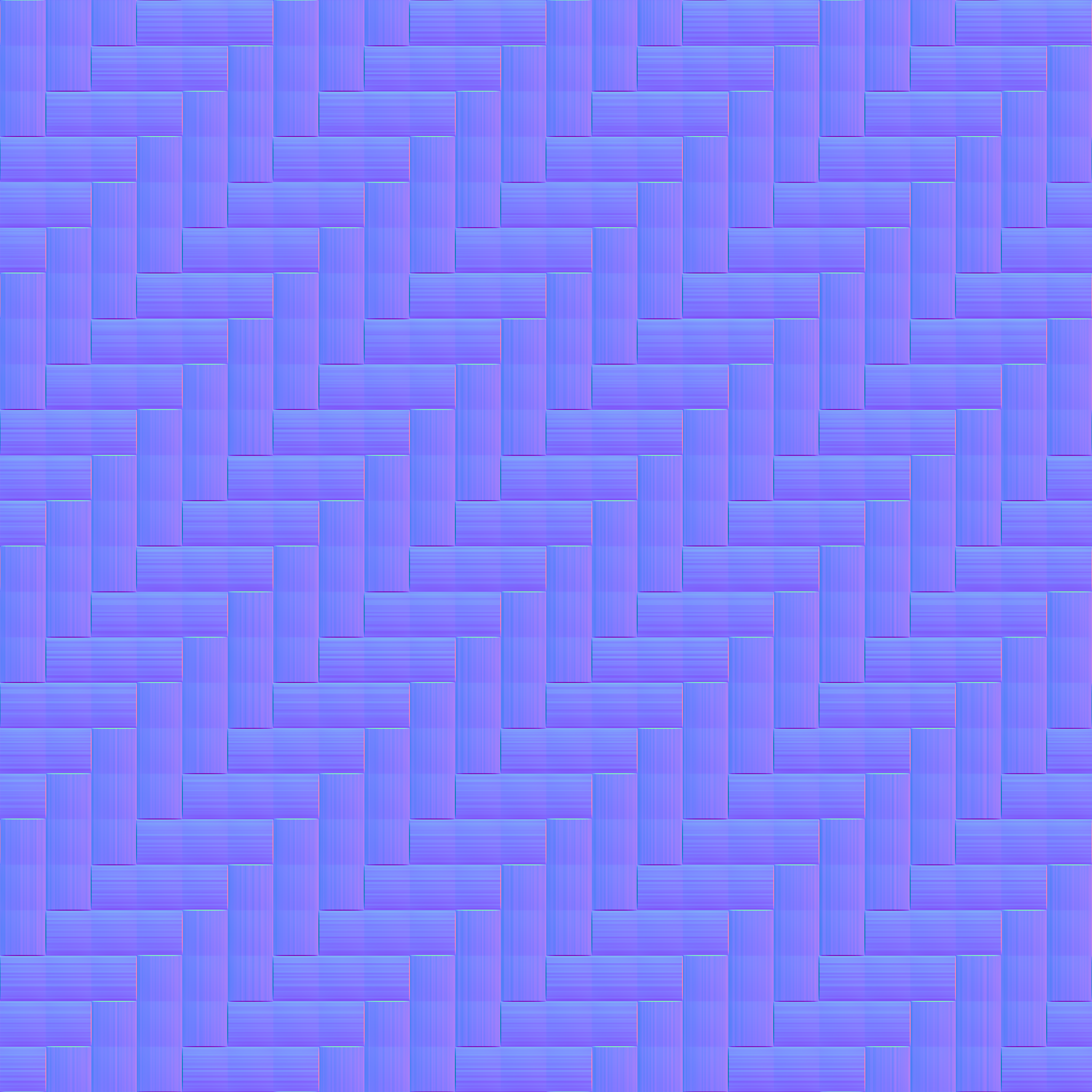
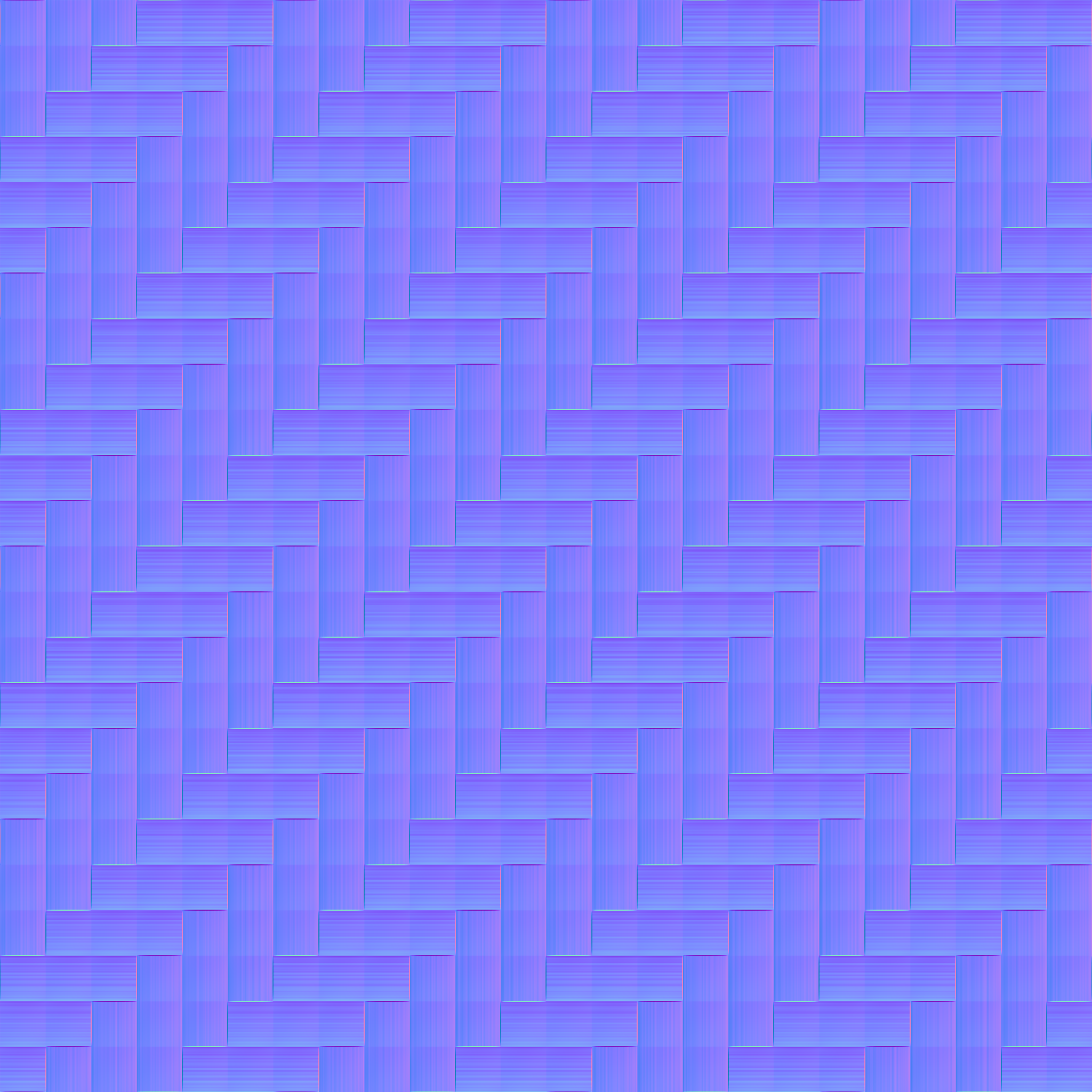
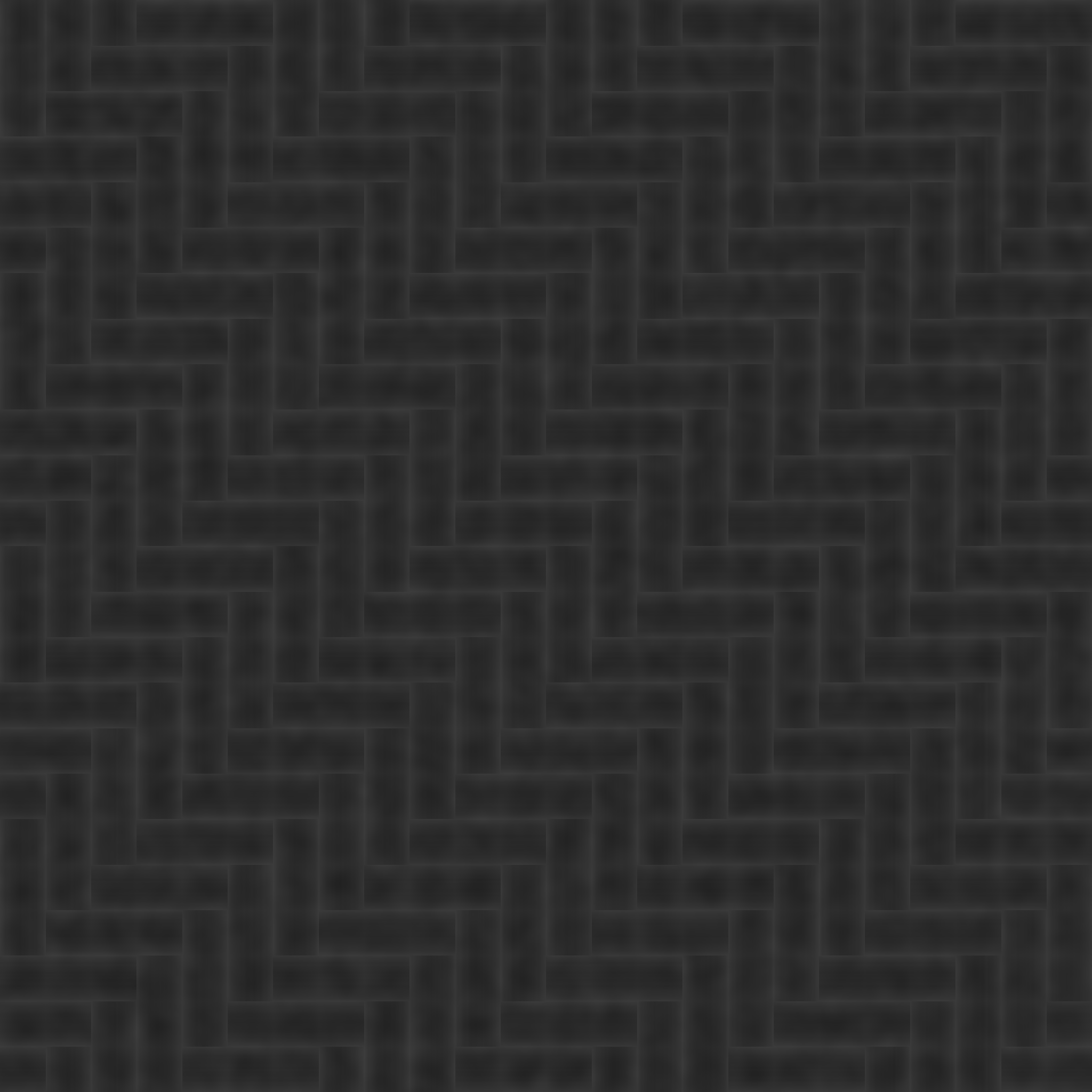
Fusion settings
Download3x3 Twill Carbon Gloss – Fusion
Appearance > Standard Surface, tile 100 mm.
- Base color: twill_3x3_carbon_basecolor.png, weight 1.0
- Specular roughness: twill_3x3_carbon_roughness.png
- Metalness 0
- Coat weight 1.0, coat IOR 1.5, coat roughness 0.03
- Normal: twill_3x3_carbon_normal_gl.png, depth 0.2
Inventor settings
Download3x3 Twill Carbon Gloss – Inventor
Generic appearance, sample size 100 mm, tile on.
- Color image: twill_3x3_carbon_basecolor.png
- Glossiness 90, highlights non-metallic, reflectivity 10/50
- Bump: twill_3x3_carbon_normal_gl.png as normal map, amount 0.2 (older versions: twill_3x3_carbon_height.png, amount 0.06)