Studio render on a bonnet
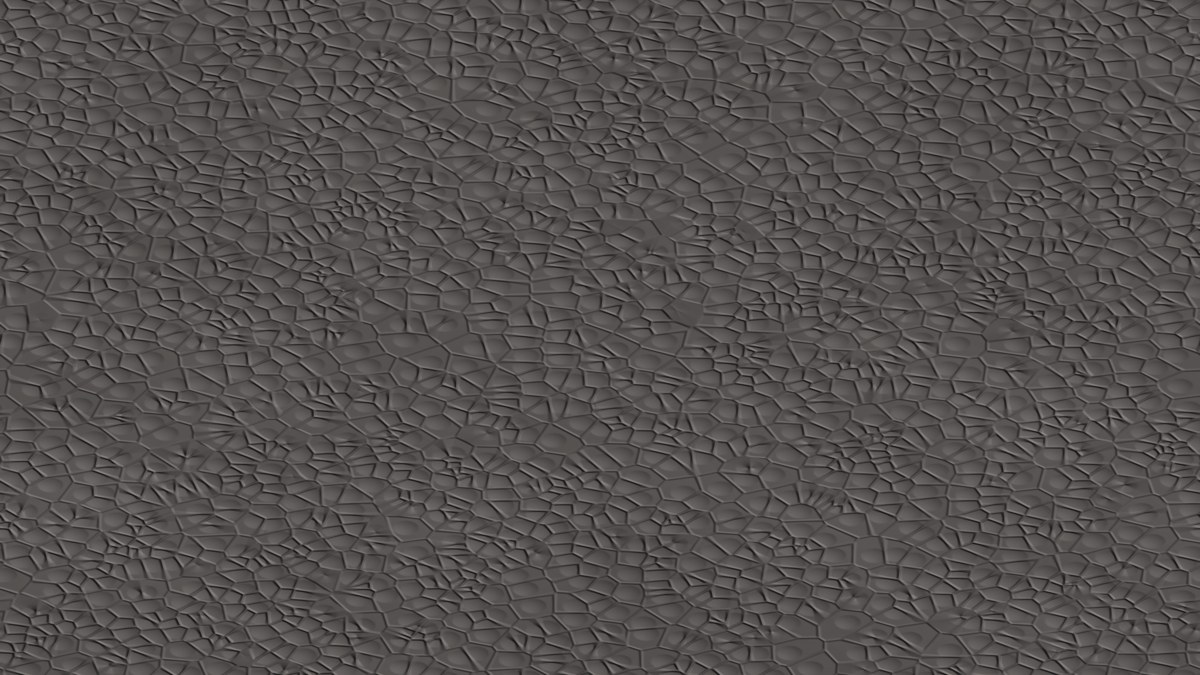
Drag to turn the part. Live preview using this pack's maps — your Fusion render will differ slightly.
Maps

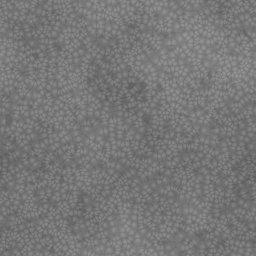
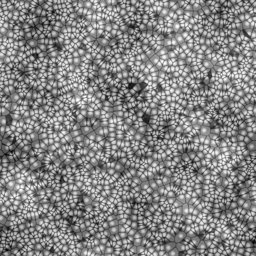
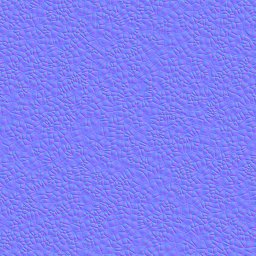

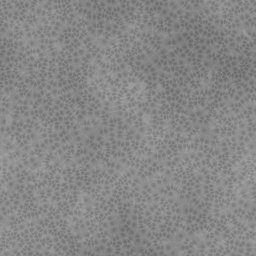

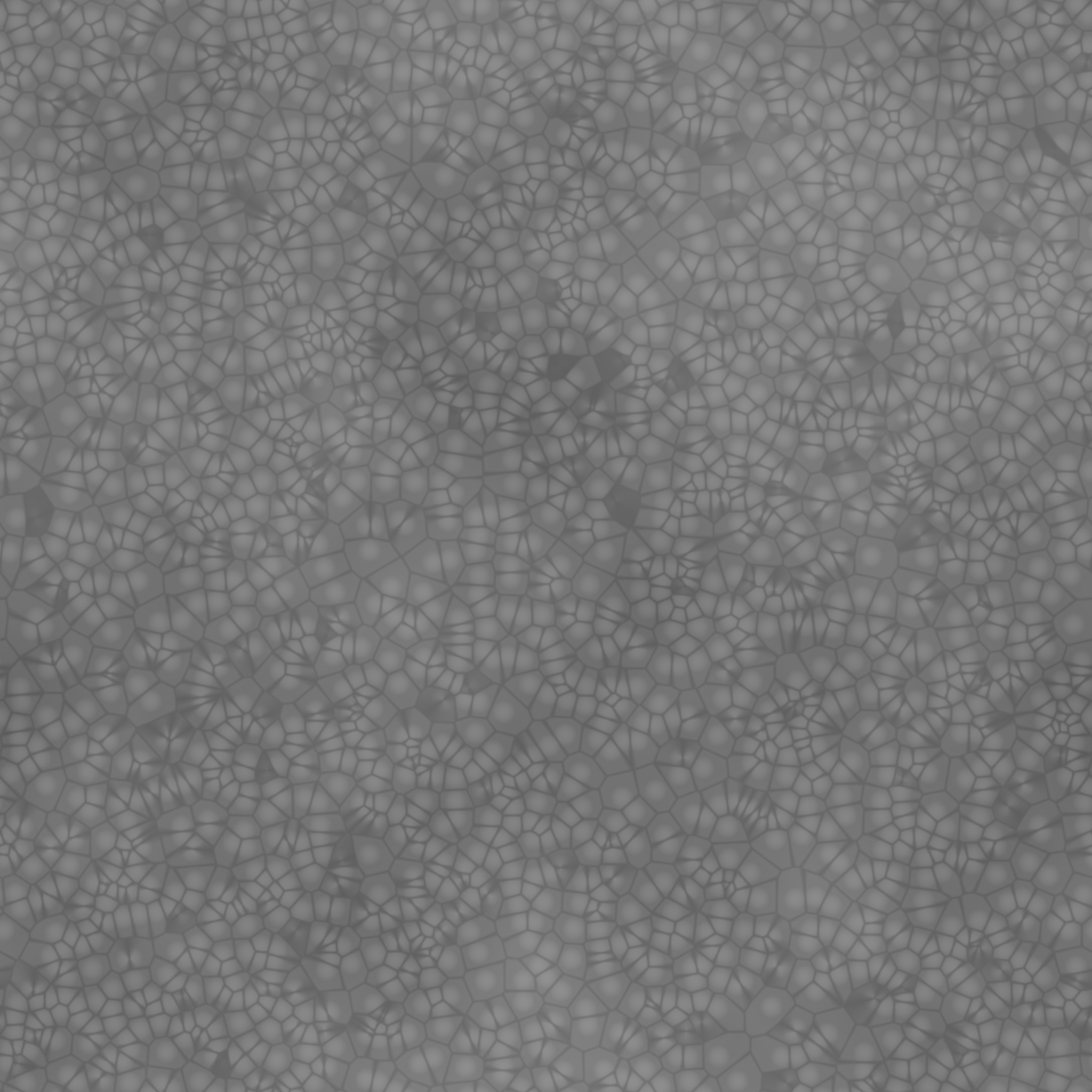
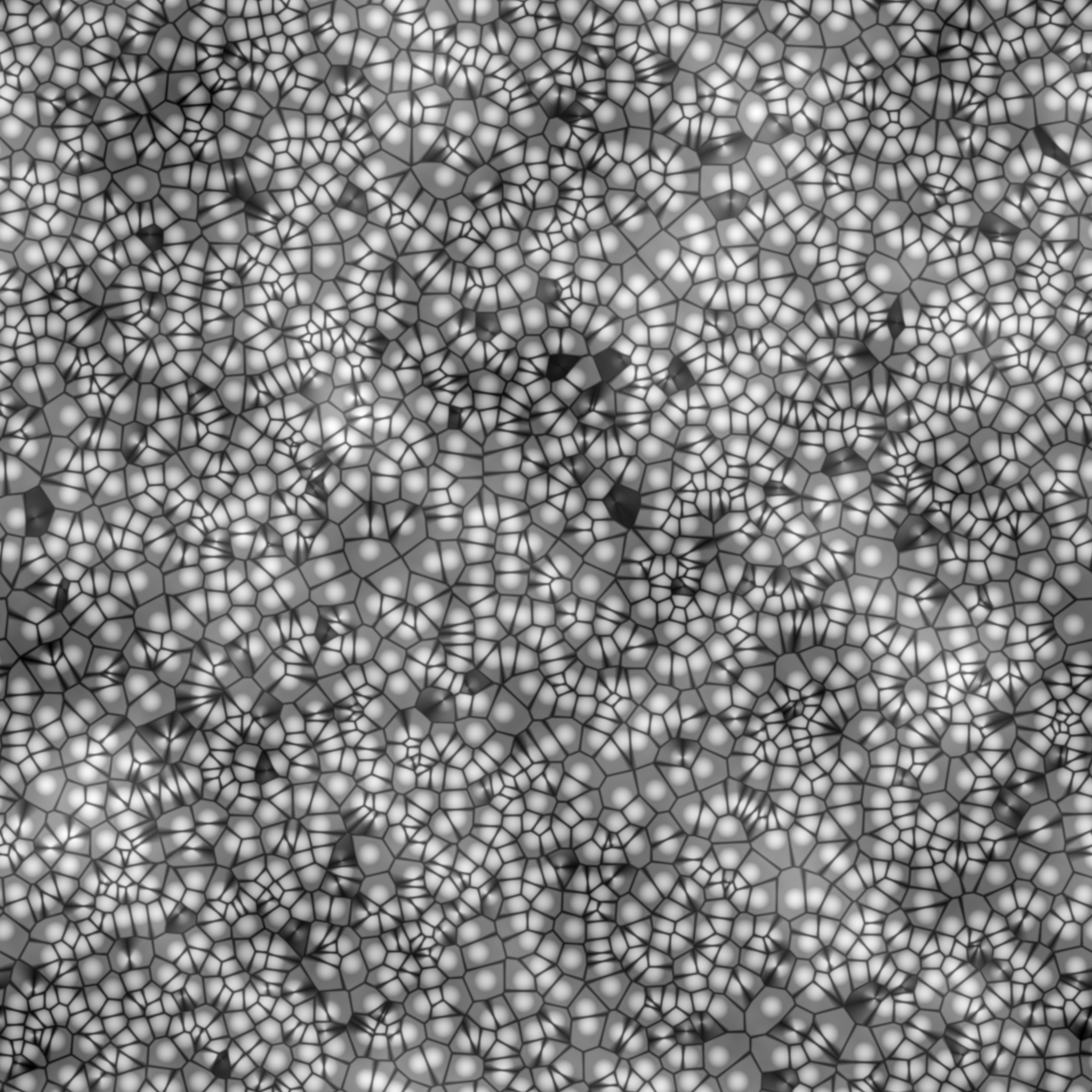
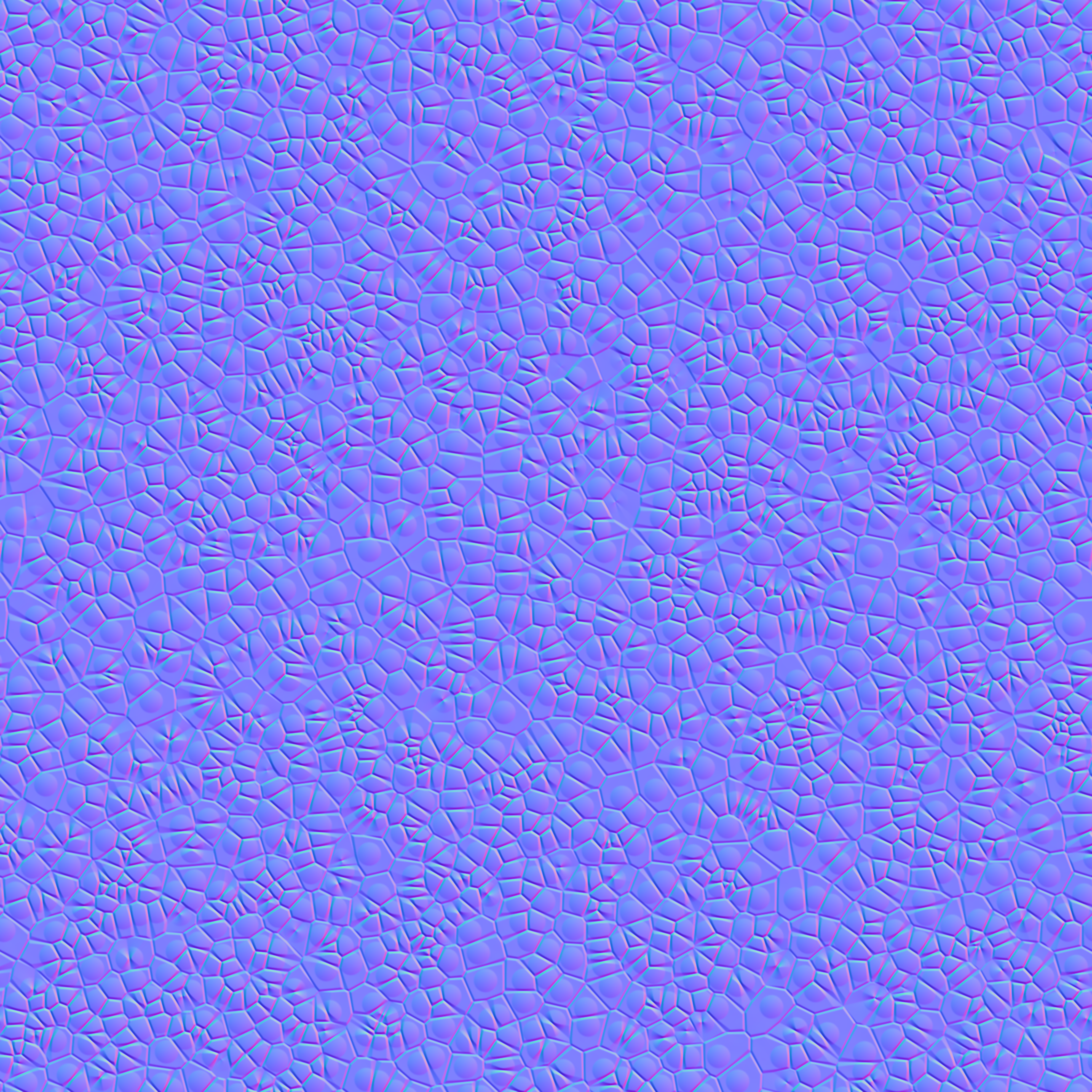

Fusion settings
DownloadBlack Leather – Fusion setup
1. Appearance > Manage > Create new appearance > Standard Surface.
2. Base: Color = image `black_leather_basecolor.png`, weight 0.85. Metalness 0.
3. Specular: weight 0.4, roughness = image `black_leather_roughness.png` (about 0.6 if you skip the map).
4. Coat: weight 0 (natural leather). Set coat 0.3 / roughness 0.2 for a coated semi-gloss hide.
5. Geometry > Normal: image `black_leather_normal_gl.png`, depth 0.6.
6. Texture scale: 150 mm x 150 mm, Repeat on, link texture transforms.
7. Optional: Sheen weight 0.3, roughness 0.4 for a soft edge glow.
Inventor settings
DownloadBlack Leather – Inventor setup (Generic appearance)
| Section | File / Value |
|---|---|
| Generic > Color | Image: black_leather_basecolor.png, Image Fade 100 |
| Generic > Glossiness | 30 |
| Generic > Highlights | Non-metallic |
| Reflectivity | Direct 4 / Oblique 25 |
| Bump | black_leather_normal_gl.png, Normal map, Amount 0.6 |
| Bump (older versions) | black_leather_height.png, Amount 0.2 |
Each image: Sample Size 150 mm, Tile, Link texture transforms on.